Day 21,080: Thirty Thousand Posts Later
I did some counting this week, and this journal has quietly passed 30,612 posts. The archive runs from July 21, 1999 to today, twenty seven years of writing things down. Rather than one long ramble, here is the tour by era, with links so anyone can dig into the strata themselves.
The Mailing List Years (1999 to 2000)
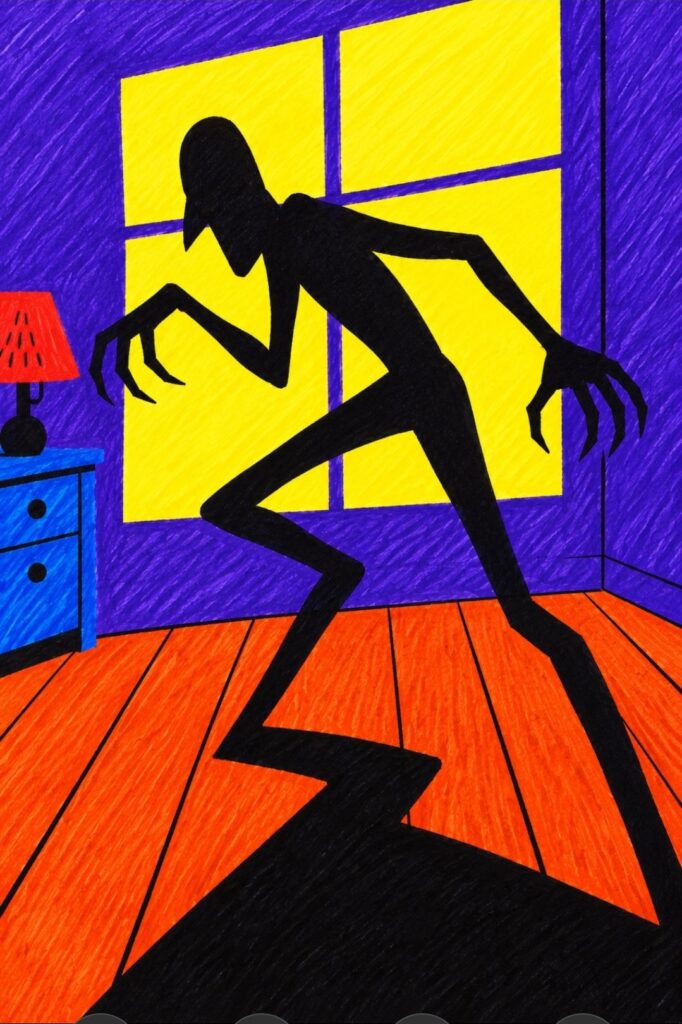
The oldest thing in the archive is not even a journal entry. It is an email I sent to a Champions role playing game mailing list on July 21, 1999, asking how to build a monster under the bed that scatters when the lights come up: read the original email The signature says scottobear@geocities.com, with a little ASCII art border. The journal proper starts that October, and one of the first entries marks Newton's arrival: read the entry Newton the cat was a founding member of this place, and he appears in ninety eight post titles over the years. The spring the archive opens is also the spring I met my favorite person, in April 1999. The journal and the love story have the same headwaters.
The Flood (2001 to 2002)
Then came the LiveJournal years, and the tap opened all the way. This site holds 2,362 posts from 2001 alone, most of them short, chatty and written the same day they happened. Whole archive: browse the 2001 archive The voice of those years is "dear journal" in public, links of the day, quizzes, dreams, work notes and cat reports, sometimes three or four entries before lunch. Reading them now is the closest thing I own to a time machine with a comments section.
Numbered Entries, Hurricanes and a Wedding (2003 to 2006)
For a long stretch the entries were numbered instead of titled, like files in a drawer. Entry 6,318 went up in December 2003. The Florida years brought hurricane season into the journal, and the archive holds the Wilma watch from October 2005: read the Wilma updates We married in October 2006, and the journal entry from the wedding week is mostly about Newton's seventh adoption anniversary: read the entry Baltimore came first that week, then Myrtle Beach. That ordering of priorities tells you most of what you need to know about this household.
The Newtcam Years (2007 to 2011)
The second flood was bigger than the first. The busiest year in the archive is 2008, with 2,975 posts: browse the 2008 archive Entry numbers climbed into the nine thousands, with entry 9,341 posted in July 2008. Newton, by then a senior cat of distinction, had his own webcam, the Newtcam, and it was still producing reports in December 2008: browse the 2008 archive12/03/newtcamds-2/ Maryland years meant Chesapeake Beach, snow worth writing home about and a journal that had become a daily habit with no remaining interest in moderation.
The Quiet Years (2012 to 2015)
Every long journal has a valley. The quietest full year here is 2012, with 518 posts, many of them photos titled by file name and little else. The habit never broke, though. It just went low and slow for a while, the way gardens and friendships and journals do, and then it came back. By December 2015 the journal was happily reviewing Fallout 4 quests: read the quest notes Some priorities are load bearing.
The Cross-Post Years (2016 to 2019)
The social platforms started flowing through this site, and the archive kept a copy of almost everything. The categories tell the story: 559 video posts, 471 Instagram cross posts and 259 Twitter posts: browse the video posts Likes, shares and game screenshots washed in alongside the handwritten entries. In January 2019 the journal looked back at a Newtcam action shot from ten years earlier, Newton on his tower, and by then the looking back had become one of the journal's regular features. A memory that lives outside my head is also a memory that likes to visit.
The Home Years (2020 to 2022)
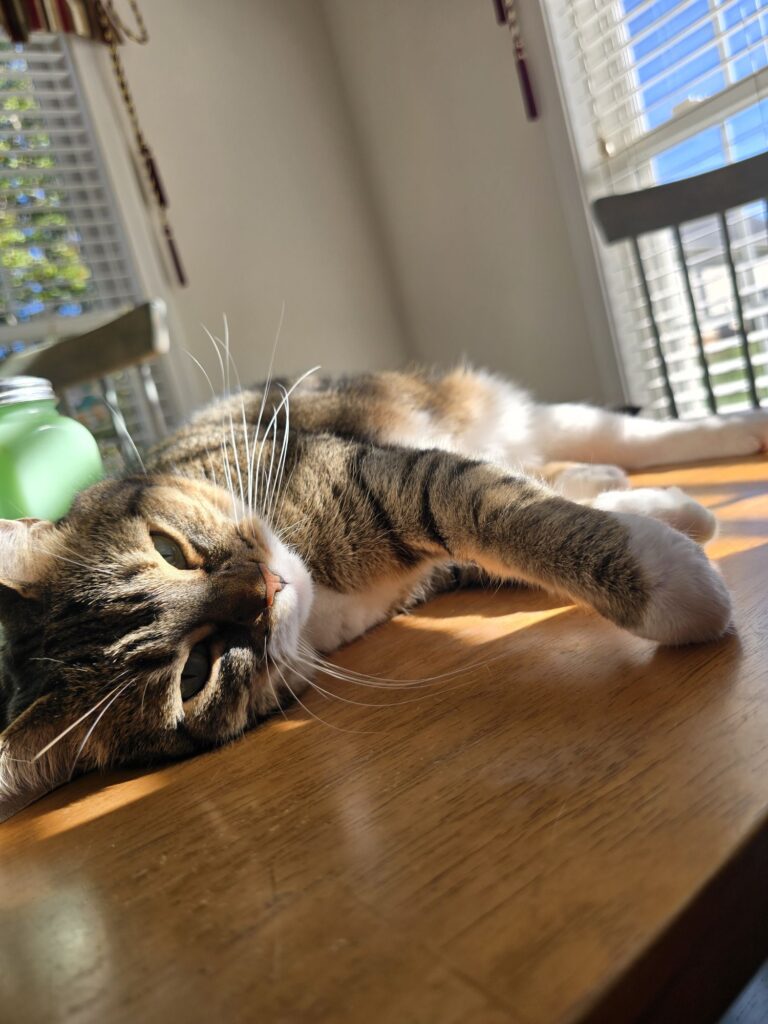
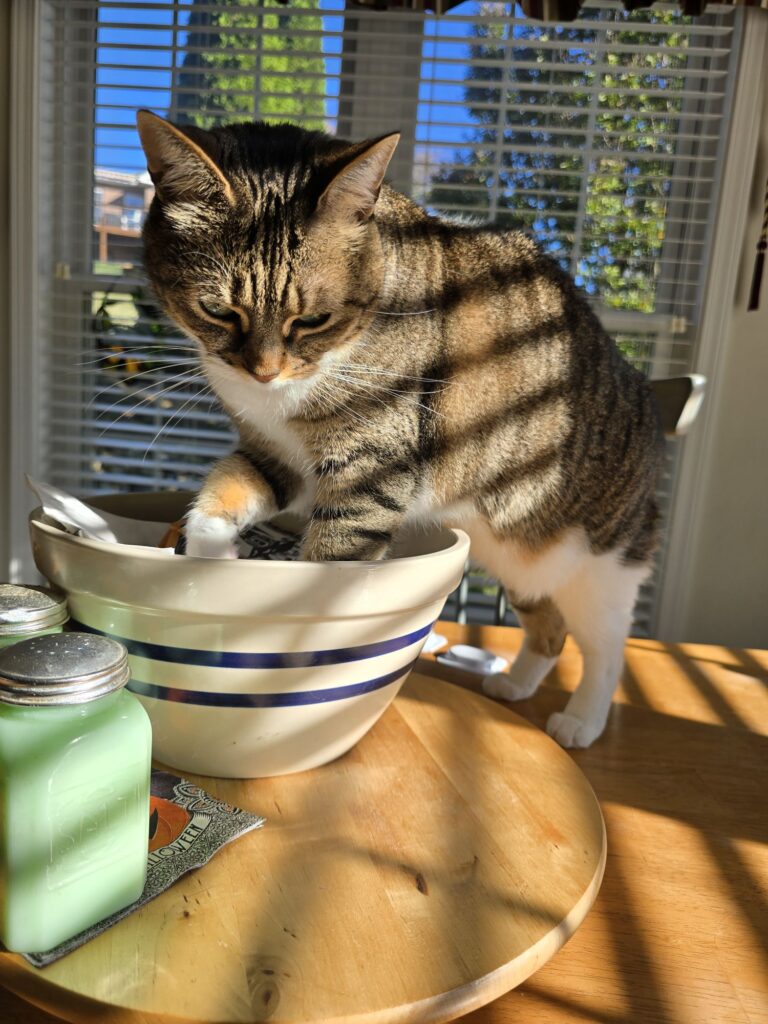
The world shrank to the size of a house and a yard, and the journal posted 1,507 times in 2020. An entry from March 24 of that year is titled "Flashback to a time when we still went outside": read that entry A kitten named Pearl arrived in 2020 and promptly took over. Cameras went up in the backyard, and the night shift started reporting in: skunks, raccoons, opossums, deer and eventually bears, several of whom now have names and fan followings of their own.
The Day Count (2023 to today)
Virginia years settled in, Roanoke took over the titles, and then the count changed what it counts. Since December 11, 2024, entries have been numbered by days lived instead of posts written, starting with Day 20,401: see Day 20,401 The next day I noted that 20,402 was a palindrome. Yesterday was Day 21,079: see yesterday’s entry The numbering impulse and the journal impulse turned out to be the same impulse all along. I just finally pointed it at the right total.
The Gaming Thread
Games run through this archive from the very first entry to this month. The 1999 email at the bottom of the pile is a Champions question, and by the summer of 2001 the journal was posting characters from the old Justice Society game and a list I still stand behind, 51 Things I Have Learned From Playing Champions: browse the 2001 archive08/18/51-things-ive-learned-from-playing-champions/ The tabletop years gave way to console years, with Fallout 4 quest reviews in 2015 and Boss Monster nights in 2016. Then Fallout 76 set its map in West Virginia in 2018, practically in this journal's backyard, and the coverage got local fast, cryptids included: watch the welcome The thread never closed. The journal marked Fallout Day in October 2025: see the post Twenty six years from a mailing list rules question to holiday observances for a game series is a respectable run for any hobby.
The Doodle Thread
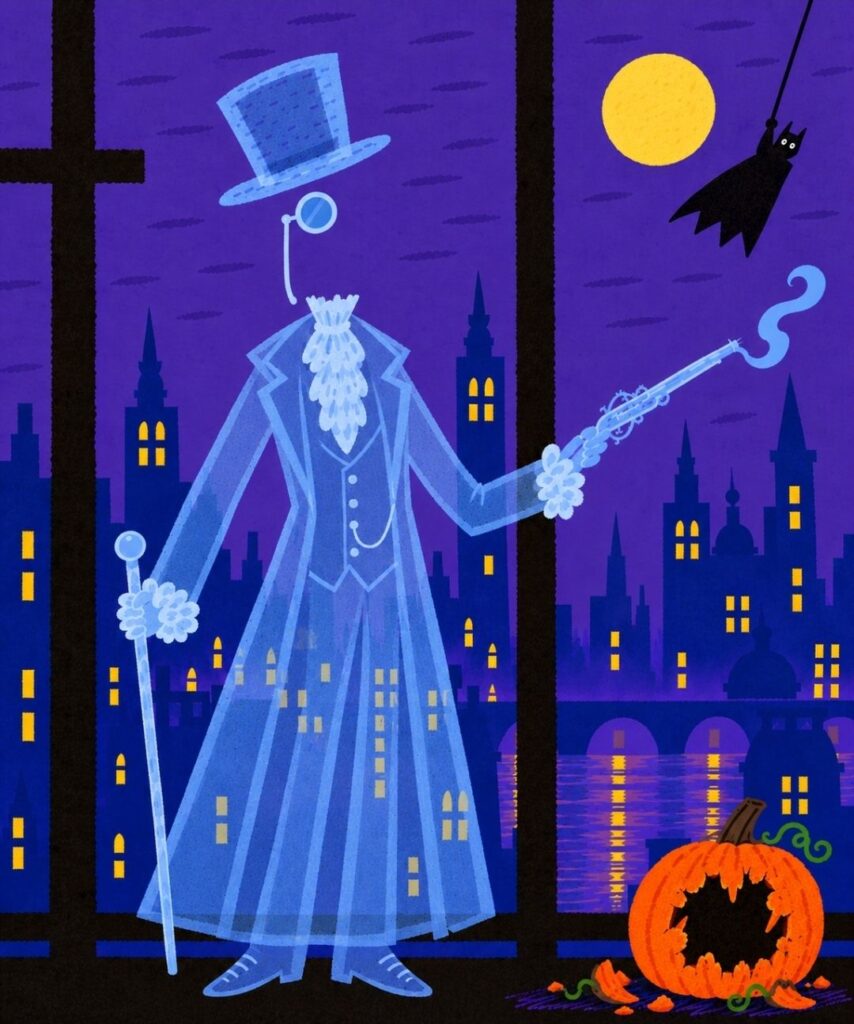
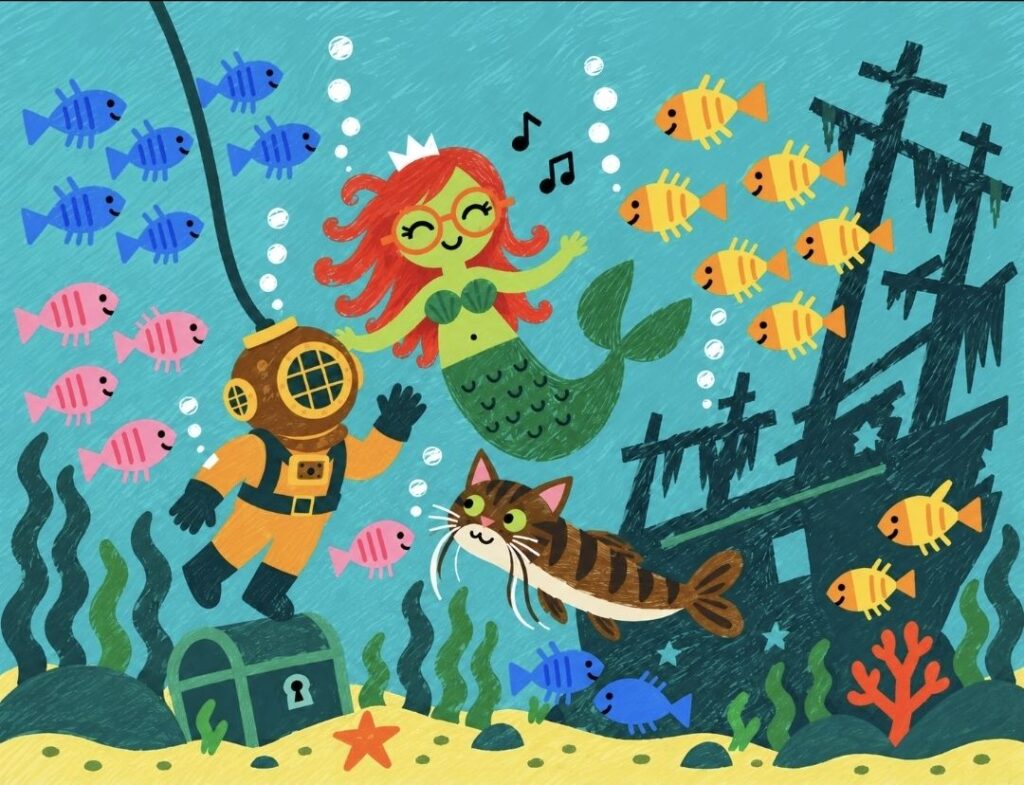
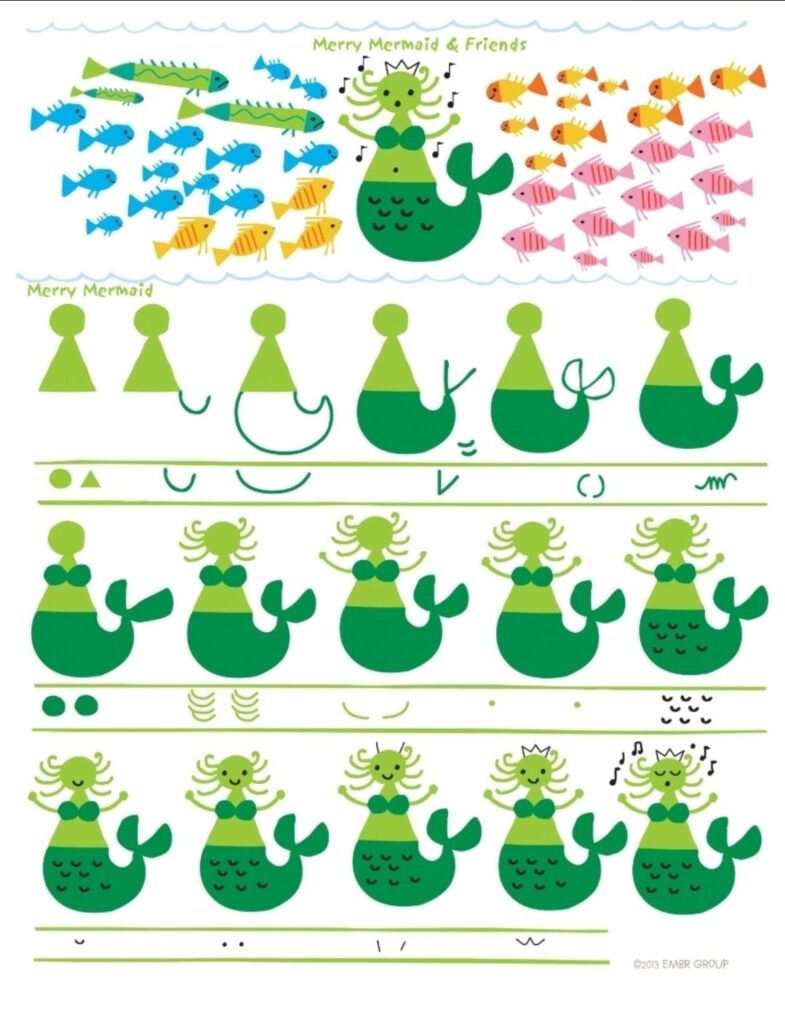
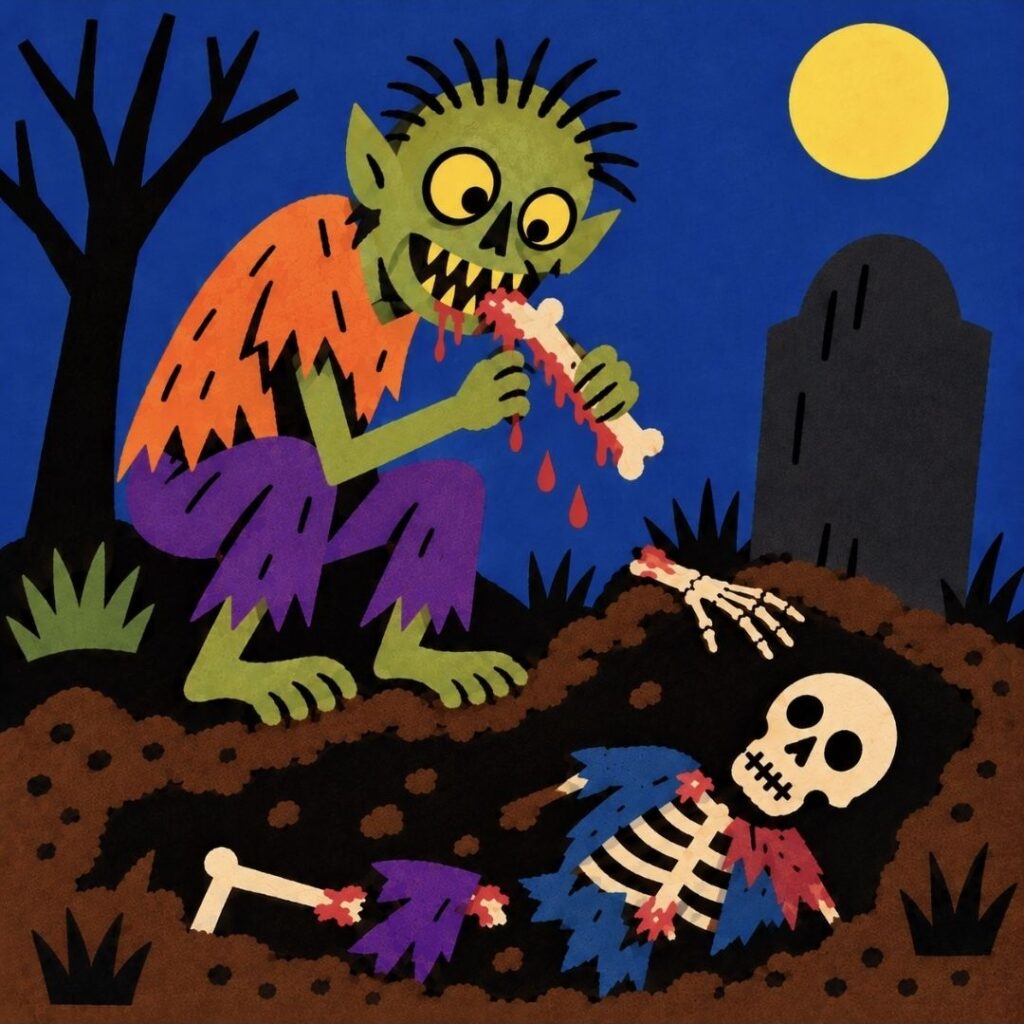
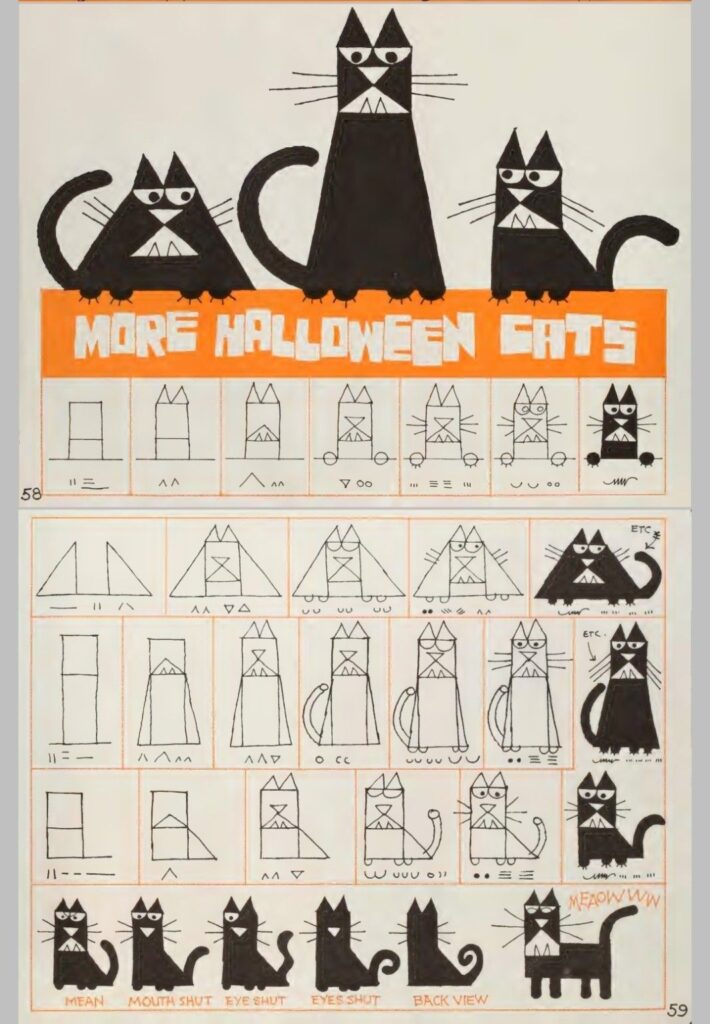
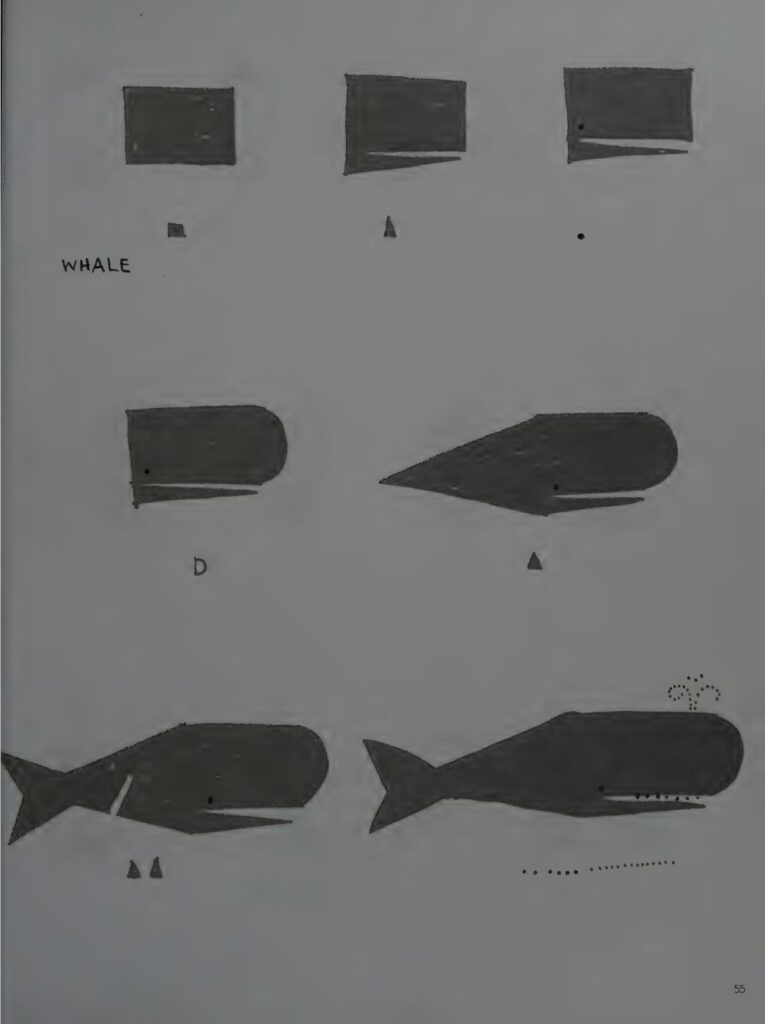
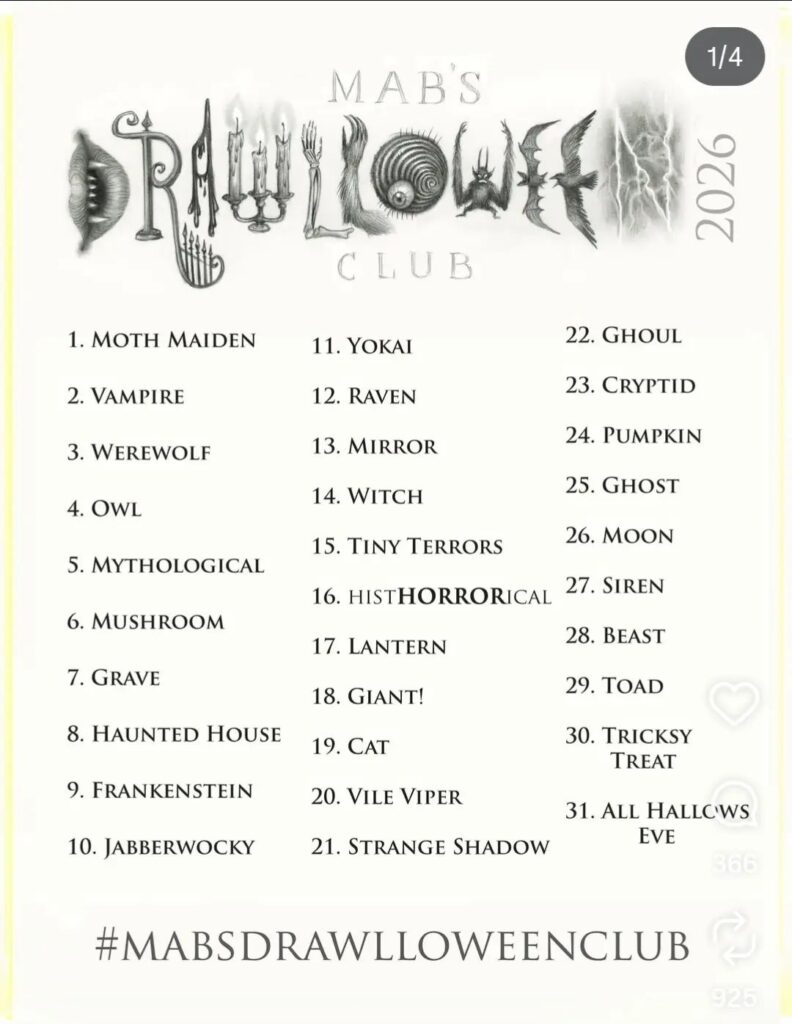
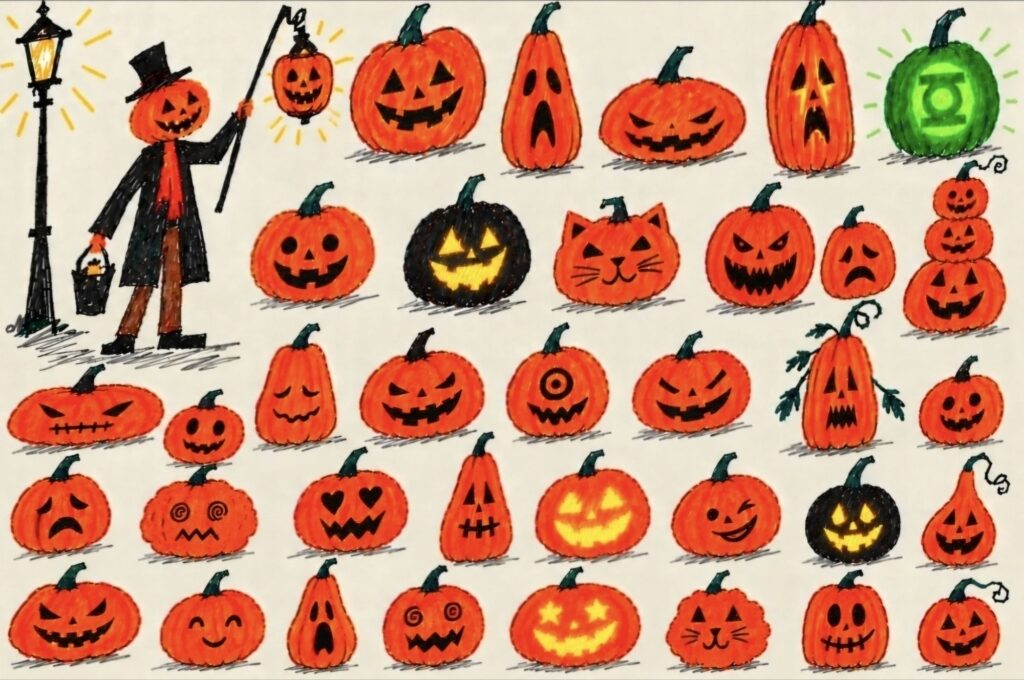
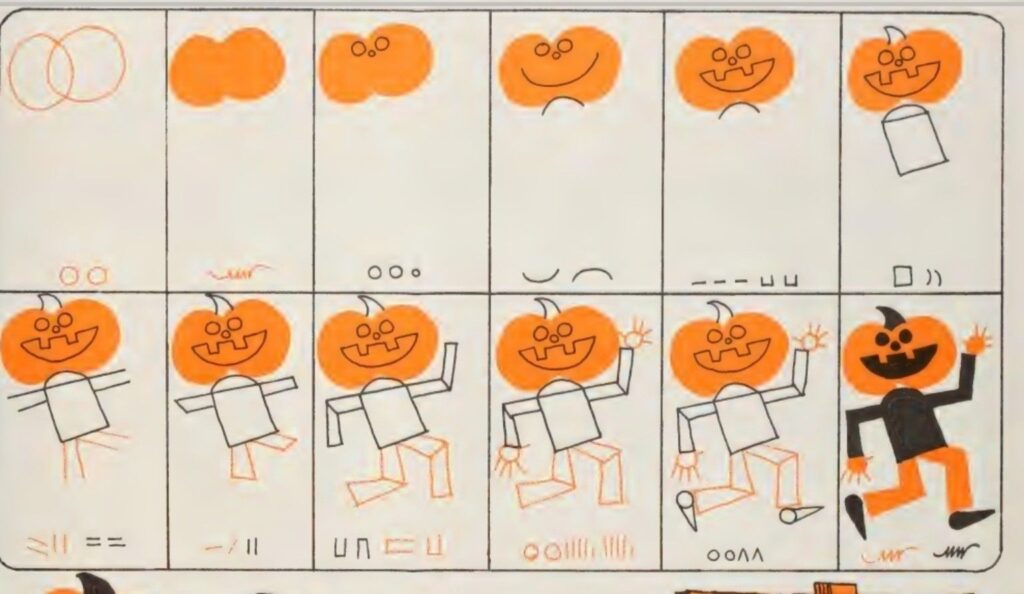
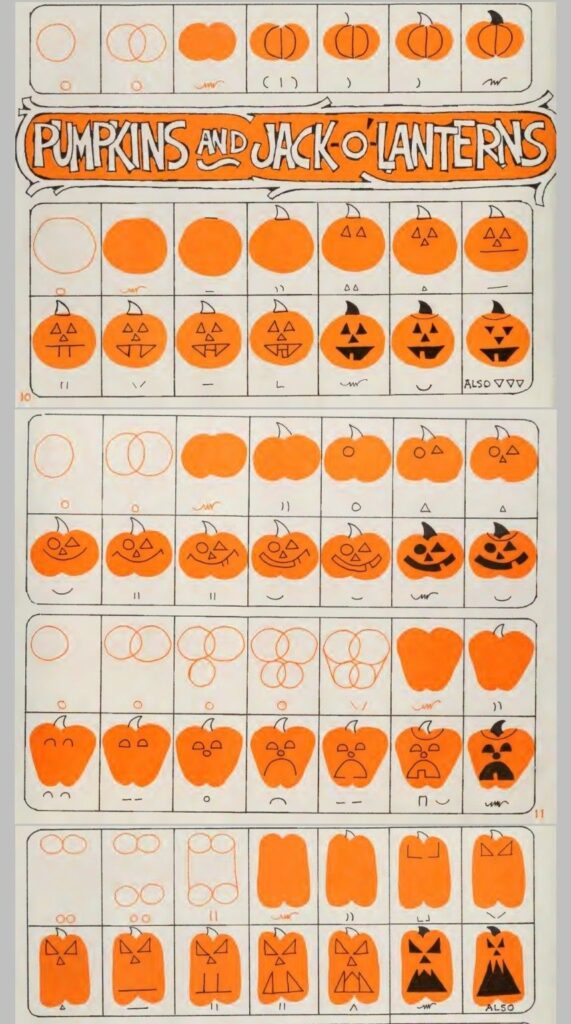
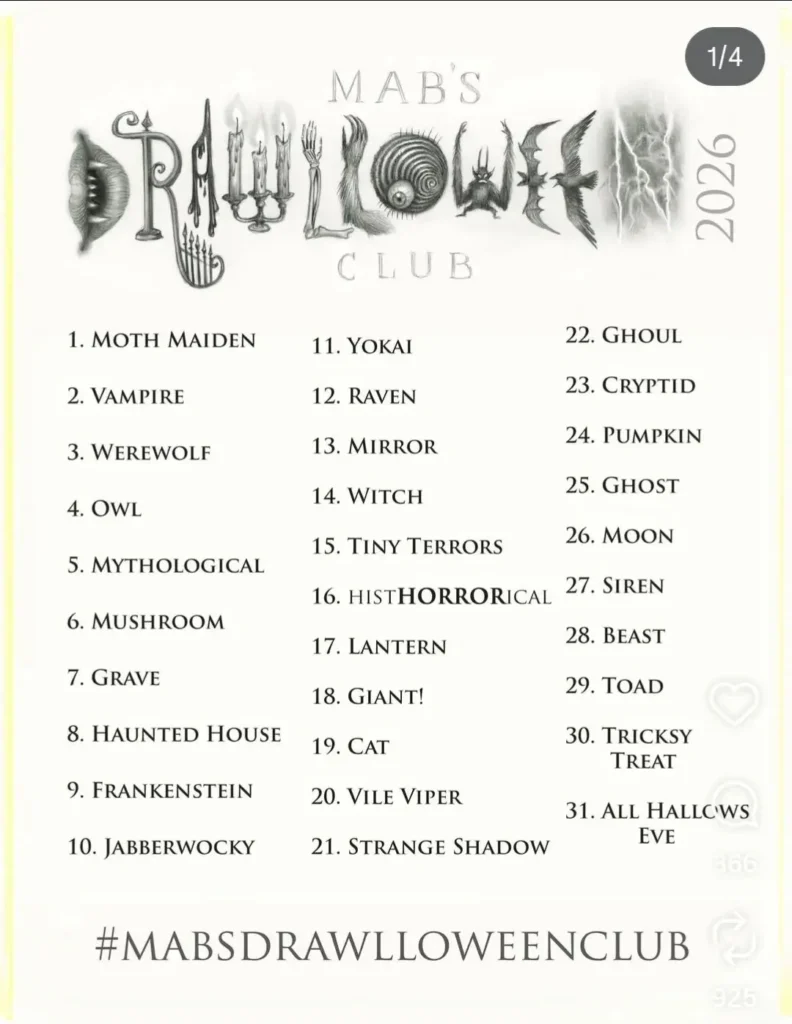
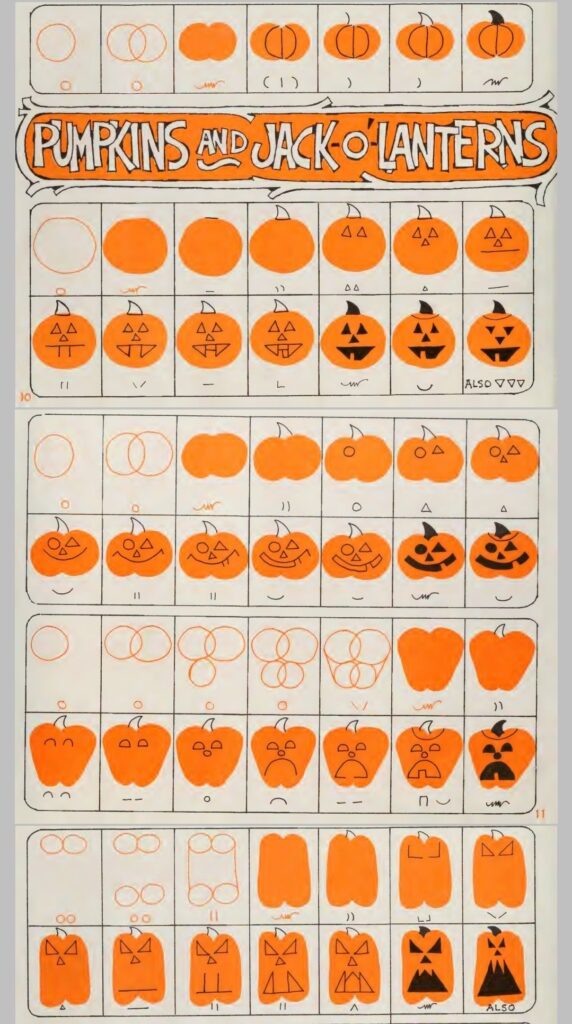
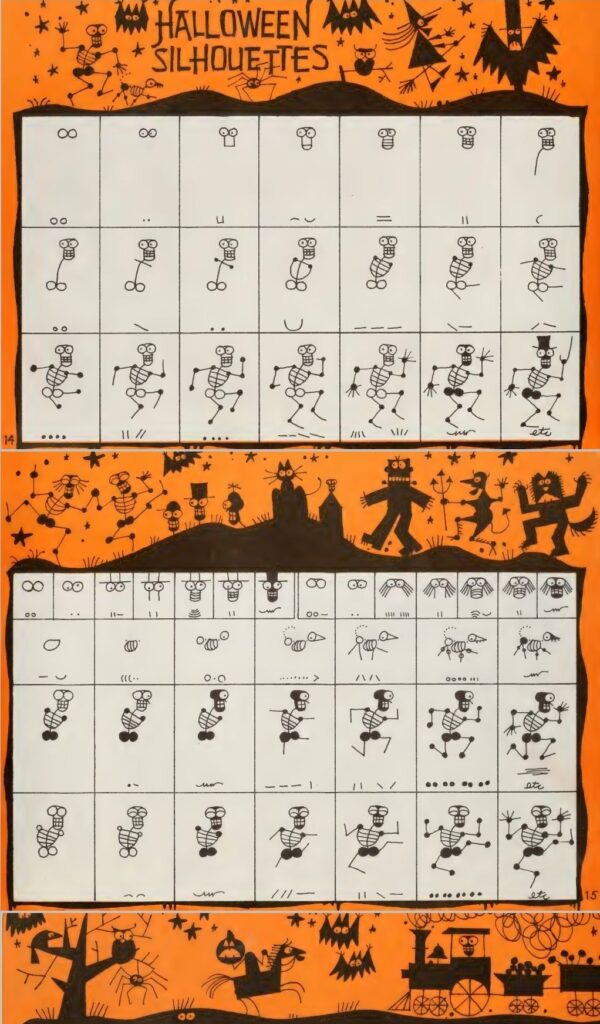
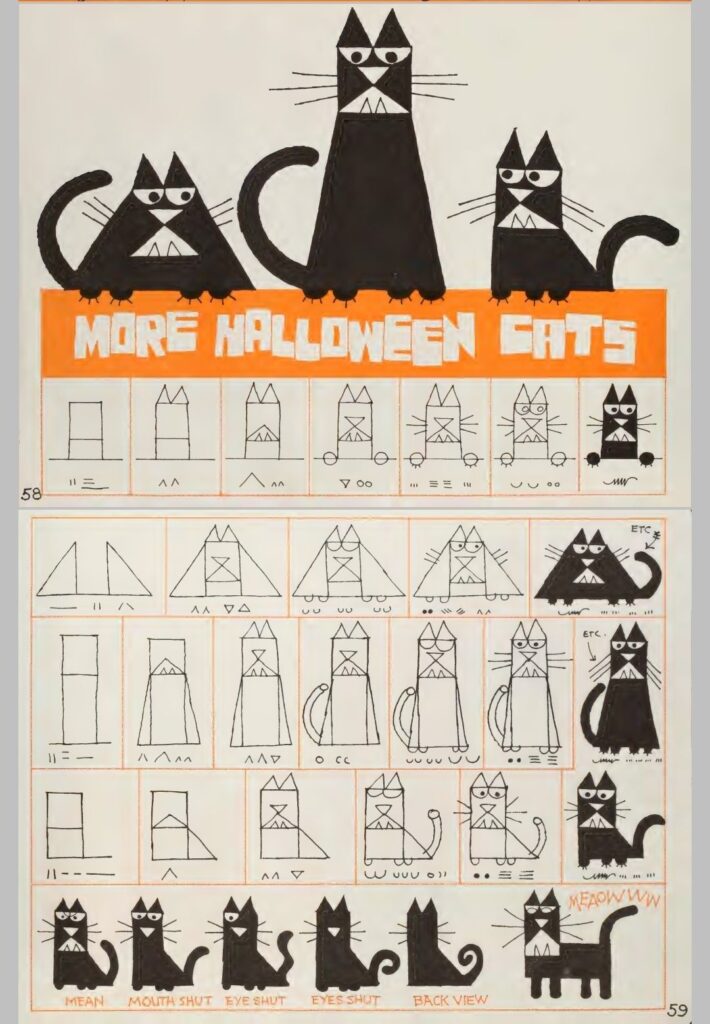
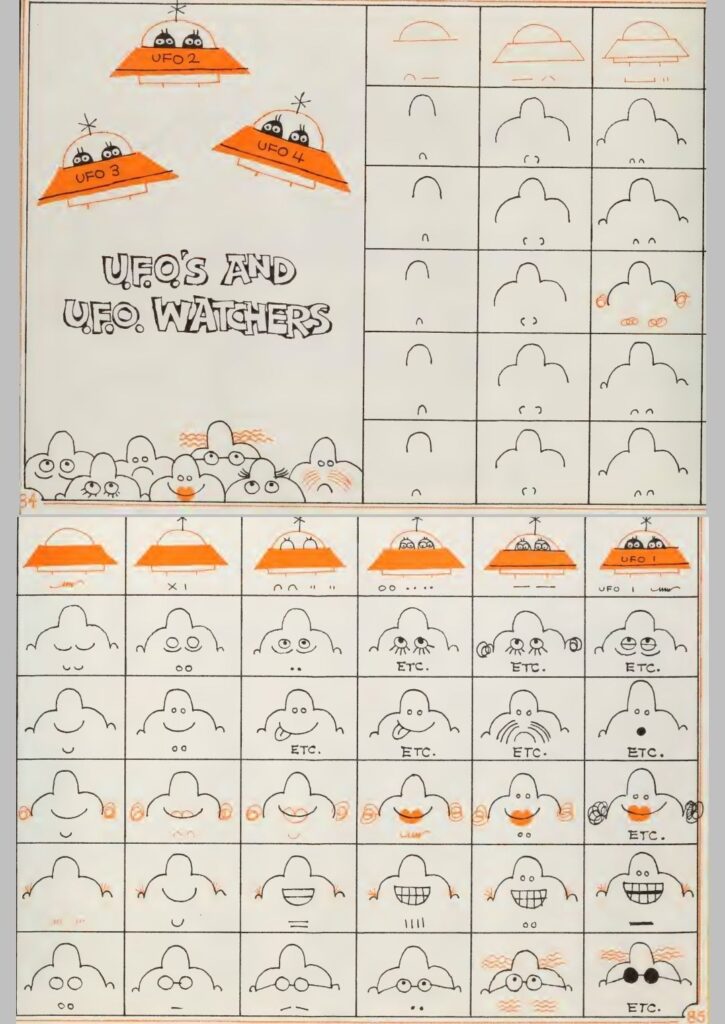
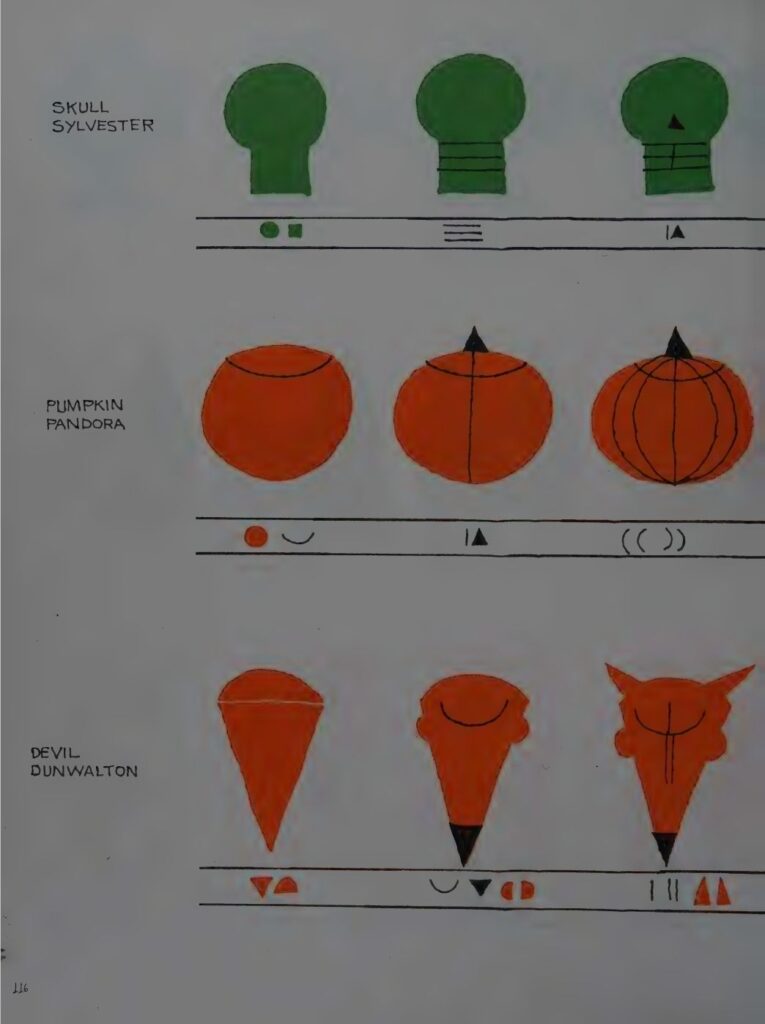
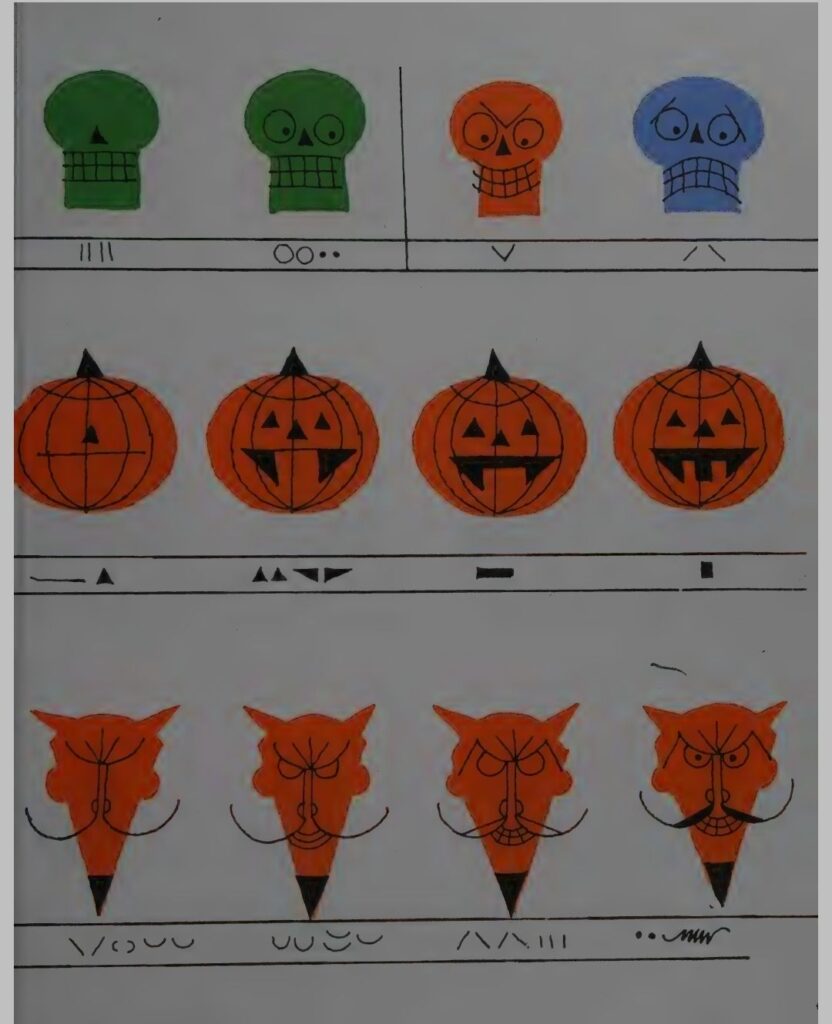
The drawing habit is nearly as old as the writing habit. The journal has meeting doodles from March 2001, posted as a series: browse the 2001 archive03/29/meeting-doodles-3rd-in-a-series/ In 2002 I was sketching on a Palm Pilot on the bus and posting the results: see the Palm sketches The tools kept changing and the margins kept filling. These days the doodles run on prompts, from the Gnarled Branch to Drawlloween every October, and the very first day count post was a doodle post. In March 2025 the journal posted a skunk doodle that felt like a self portrait: see the skunk doodle In June 2026 it posted a whole doodle archive dump: see the dump Pearl got her own Halloween doodles earlier this month: see Pearl’s doodles
Why Keep a Journal for Twenty Seven Years
People ask sometimes why I still write it all down. The honest answer is that I always have, in one form or another, since before some of my readers were born. The form changed from mailing lists to GeoCities to LiveJournal to this site. The impulse never did. This archive knows what the weather was, what the cats were doing, which games we played, which meals mattered and which small Tuesdays turned out to be important. So here is to the next post, whatever number it wears. It will probably be about a cat, a walk, a drawing prompt or the weather. That is not a failure of ambition. That is the whole point. The ordinary days were always the subject.
Thanks for reading along, however long you have been here.